VAT & tourist tax
Updated on 2026-10-01
Settings → Taxes
You set up the VAT on your accommodation and your municipality's tourist tax with a tax set. That set applies to your property: your website, your bookings, your quotes and your invoices all calculate with it, so the guest sees the same amount everywhere.
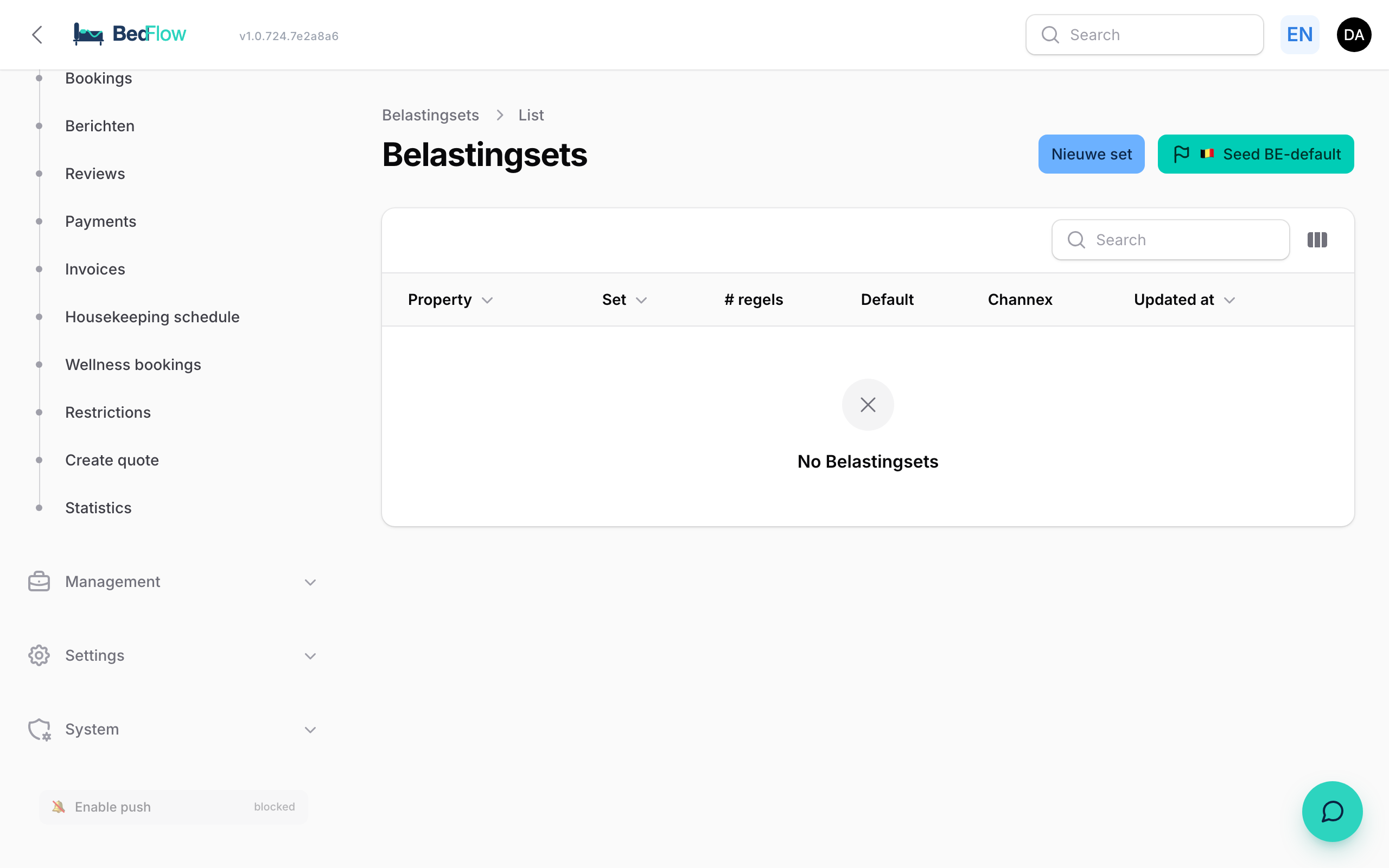
The quickest way: the Belgian default set
- Go to Settings → Taxes (page title Tax sets).
- Click Create Belgian default set and confirm.
BedFlow then creates the Standard BE set as your property's default set, with two rules:
| Rule | Kind | Calculation | Rate |
|---|---|---|---|
| VAT 12% (accommodation) | VAT | % | 12 |
| Tourist tax (per person/night) | Tourist tax | € per person per night | 2.00 |
If the tourist tax amount isn't right for your municipality, open the set and change the Rate. If you already have a default set, nothing happens.
If you have several properties, first choose the right property at the top of the sidebar.
Creating or changing a set yourself
Click New set, or click an existing set in the list.
Set
- Choose the property, give the set a name (e.g. "Standard BE") and choose the currency.
- Switch on Default set for new rate plans. That makes this the set your property calculates with. Tick this box for one set per property.
Taxes in this set: click + Add tax for each rule.
| Field | Explanation |
|---|---|
| Name | As it appears on the invoice, e.g. "Tourist tax" |
| Kind | VAT, Tourist tax or Fee |
| Calculation | %, € per person per night, € per person (one-off), € per night, € per room per night, € per room (one-off) or € per booking |
| Rate | 12 for 12%, or 2 for €2 |
| Incl. in room price? | See below |
| Order | Leave it at 0. Only needed if one tax has to be calculated on top of another |
Click Create or Save changes.
If your property is connected to the channel manager, BedFlow automatically passes the set on to your channels whenever it changes.
How does BedFlow calculate the tourist tax?
- The tourist tax comes from a single source: your property's default set. Website, booking, quote and invoice calculate the same amount.
- BedFlow uses the first rule in that set with a calculation in euros. So keep only one such rule in your default set.
- It's charged per adult. Children don't count.
- If there's no tourist tax in your default set, BedFlow doesn't charge any (€0).
- A discount code never reduces the tourist tax.
- Does your municipality have a maximum number of taxed nights (e.g. 5 nights) or a number of free nights? Support will set that up for you.
On the invoice, the tourist tax appears as a separate line at 0% VAT: a city tax isn't accommodation.
Is the tourist tax already included in your price?
If you publish a price on all your channels and your own website that already includes the tourist tax, switch on Incl. in room price? for that rule.
- The tax then does not come on top of your price. The guest pays exactly the price they saw, and has nothing more to settle on site. The booking widget shows "Tourist tax (included)".
- On the invoice, the tourist tax is still shown separately, at 0% VAT, and that same amount is deducted from the accommodation lines. The total stays the same; only the split across the VAT rates is now correct.
If the switch is off (the default), the tax comes on top of the price.
The VAT on your accommodation
Your room prices are always prices including VAT. BedFlow extracts the VAT using the percentage of the VAT rule in your default set (e.g. 12%). You set the VAT rate of a product (breakfast, wellness, drinks) on the product itself under Management → Products.
Frequently asked questions
Can I choose a different set per room type or per booking? No. The default set applies to the whole property.
Children don't pay tourist tax with us. Do I need to set anything up? No, BedFlow only counts adults.
How does this end up in my accounting? The VAT is shown per rate on the invoice (e.g. 12% accommodation, 21% drinks). The tourist tax is shown separately at 0%: for you it's an amount passed on to the municipality. Your accounting integration takes this over as it is. See Invoicing.