Creating a ticket
Updated on 2026-10-01
Settings → Support
Stuck, got a question, or is something not working as it should? Create a ticket. Support is included in every plan: a question or a bug costs nothing. See How our support works.
Where do you find it?
- In the sidebar under Settings → Support.
- Or via the lifebuoy icon at the top of every screen, next to the search field. The number on the icon is the number of tickets still awaiting a reply.
You land on My tickets: a list of all your tickets with their status.
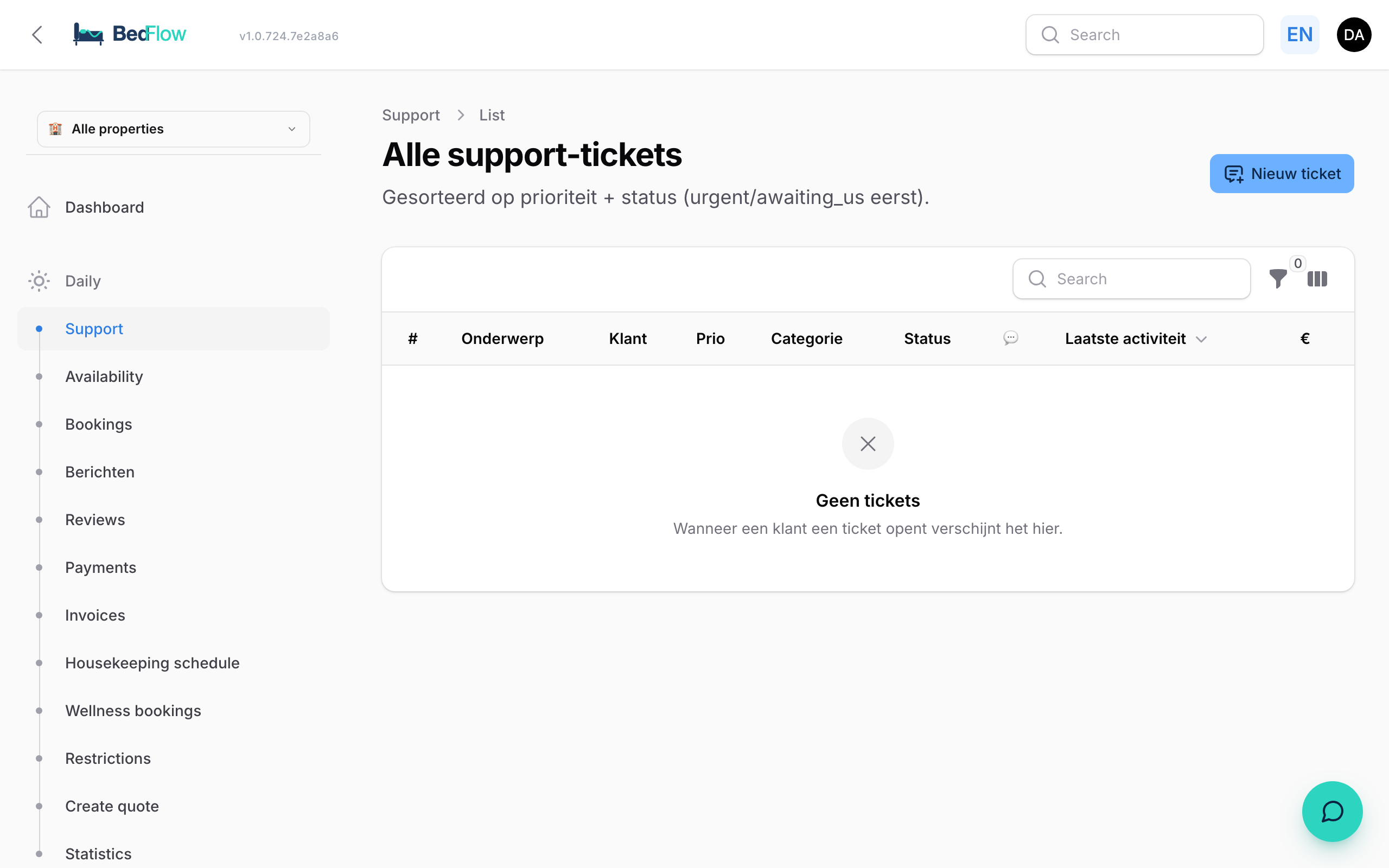
Creating a new ticket
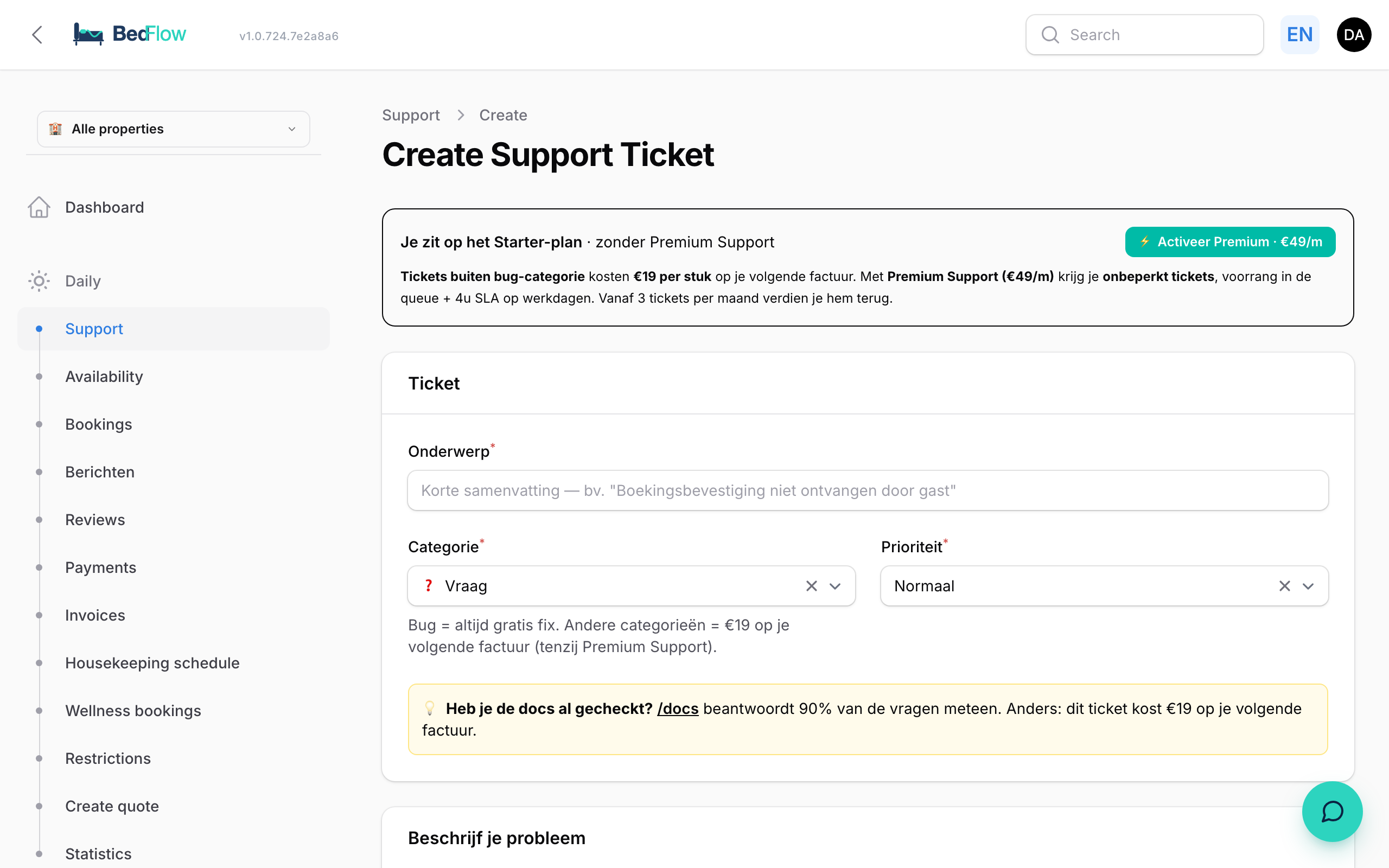
- Click New ticket.
- Fill in the Ticket block:
| Field | Explanation |
|---|---|
| Subject | Short and specific, e.g. "Guest did not receive confirmation email" |
| Category | Bug, Question, Billing, Suggestion or Other |
| What is it about? | The area: Bookings, Calendar & availability, Rates, Invoices & tax, Channel sync (OTAs), Guest communication, Account & access or Other |
| Priority | Low, Normal, High or Urgent. Only use Urgent if guests cannot book or pay right now |
- Depending on your choice, extra blocks appear:
- Maybe the answer is already here: for a question, we immediately show the manual articles about that area.
- Targeted questions: a few questions that belong to the area, e.g. the booking number, the channel, the room or the date. That way we don't need to email you back.
- Help us find the bug quickly: for a bug, you answer three questions: What did you do?, What did you expect? and What actually happened?
- Describe your question or problem in the text box. You can paste a screenshot straight into that box with Ctrl+V (Windows) or Cmd+V (Mac). You can also add a file with the paperclip.
- Click Create.
A ticket by email or in the app
- By email: send your question to support@bedflow.eu. That becomes a ticket too.
- In the BedFlow app: open Support tickets in the menu and create a new one. See The BedFlow app.
What happens next?
- You receive our reply by email, in full, with any attachments and in your language. You don't need to log in for it.
- The subject of that email contains the ticket number in square brackets. Simply reply to the email: your response then ends up in the same ticket.
- In BedFlow you see the whole conversation in the ticket, with the newest reply at the top.
The status of your ticket:
| Status | Meaning |
|---|---|
| Open | Your ticket has come in |
| Waiting for BedFlow | It's our turn |
| Waiting for you | We have asked you something |
| Escalated (fix on the way) | It is a bug and the fix is being made |
| Resolved | Dealt with |
| Closed | Closed |
Adding to or reopening a ticket
- Adding information: open the ticket and click Add reply. Or reply to our email.
- Reopening: if a ticket is Resolved or Closed and the problem is back, click Reopen.
Frequently asked questions
What if guests cannot book or pay right now? Create a ticket with priority Urgent and category Bug. We always fix a bug for free.
How quickly will I get a reply? The pricing page shows the measured figures for the last 90 days: the time to the first reply and the share of tickets resolved within 24 hours.
Does a ticket cost anything? A question or a bug never costs anything. If you ask us to do something on your behalf (set up, enter, change), we say so in advance in the ticket and charge €9 as hands-on work. See Bug or question — what costs what?.