Guest messages — Booking.com, Airbnb and WhatsApp in one inbox
Updated on 2026-10-01
Daily → Messages
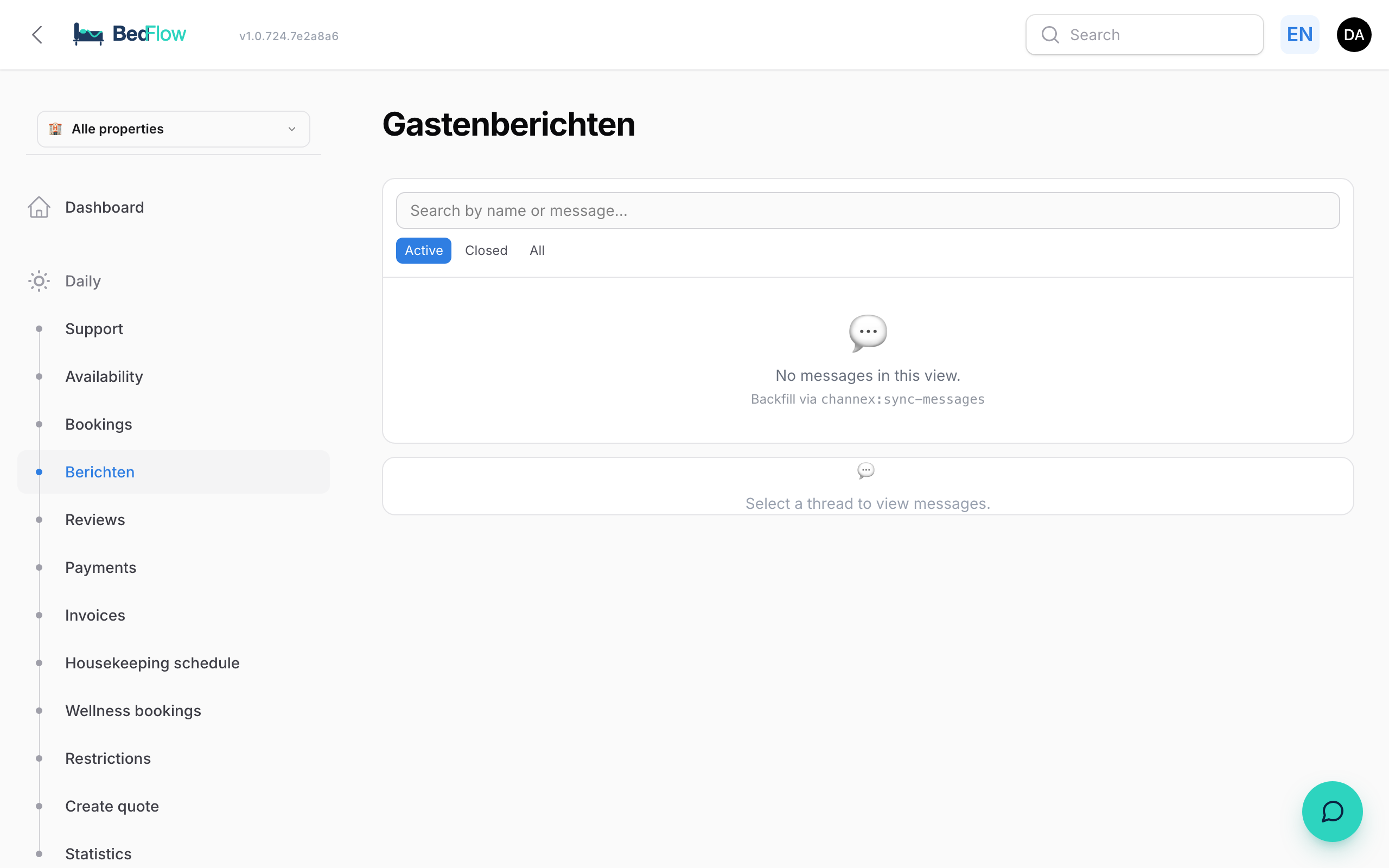
Does a guest send you a message via the Booking.com, Airbnb or Expedia chat, or reply to a WhatsApp message from you? It all comes in in one place: the Guest messages page. Your reply goes out through the same channel: the OTA guest reads it in the channel's app, the WhatsApp guest in WhatsApp.
When do you see Messages in the menu?
The Messages menu item (and Reviews) appears as soon as one of these two is switched on for your property:
- WhatsApp is connected: Settings → Integrations → Communication → WhatsApp. See WhatsApp via TextMeFlow.
- OTA guest messages is switched on: Settings → Integrations → Communication → OTA guest messages. This is needed for the chat with Booking.com, Airbnb and Expedia guests.
You also need the Starter plan or higher and access to Guest communication (see Extra users and permissions).
What does it cost?
- The WhatsApp inbox is included in your plan.
- The chat with Booking.com, Airbnb and Expedia guests is the paid add-on Chat & Reviews: €11.99 per month. If you switch on Enable guest messages inbox under OTA guest messages and save, the add-on appears on your invoice from that month. If you switch it off, the add-on stops as soon as no property uses it any more.
What does it look like?
On a computer you see three columns:
- Left: the list of conversations.
- Middle: the selected conversation, with the text box to reply.
- Right: the booking: arrival, departure, nights, room, the guest's email and phone, and the Open booking button.
On your phone, the inbox works like a chat app: you see the list or the conversation full screen, with Back at the top left.
The list
- At the top, in red, is Needs reply, with the conversations waiting for you, most recent first. Below that are the Other conversations.
- Each guest has a coloured dot and a label: Checked in (green), Upcoming (orange), Checked out (red), or grey without a booking.
- Next to the name you see the channel (Booking.com, Airbnb, Expedia or WhatsApp), the room and the booking number.
- Below the name you read the start of the last message.
- A red dot on the right means: Reply needed.
- A WhatsApp message from an unknown number gets the label Inquiry: someone who hasn't booked with you yet.
At the top you can filter on Active, Closed or All, and search by name or by the content of a message.
Quick actions in the list
At the bottom right of each conversation there are small buttons. They are always visible, on a tablet too:
- No reply needed (tick): for a "thanks, see you then". The conversation leaves Needs reply. For Booking.com, BedFlow also passes this on, so the message doesn't count towards your response score.
- Archive (returns on a new message): the conversation disappears from Active and is listed under Closed. If the guest sends something again, it comes back.
- Private — hide permanently (WhatsApp only): for personal contacts on your WhatsApp number who aren't guests. New messages are stored, but no longer reopen the conversation or trigger a notification.
Replying to a message
- Click a conversation in the list.
- Read the history: the guest is on the left, your replies on the right.
- Want a quick start? Above the text box are Suggestions, your templates and the Variables (see below).
- Type or edit and click Send, or press Cmd/Ctrl + Enter.
- If the booking has an email address, the checkbox Also by e-mail to … appears below the text box. Tick it and the same text also goes out as an email in your property's house style. Handy for a guest without WhatsApp, or one who doesn't read the channel's chat.
A reply to a Booking.com or Airbnb message appears in the guest's chat within a few seconds. A WhatsApp reply goes out via your connected number.
Buttons at the top of a conversation
- Mute (WhatsApp only): no more notifications for this conversation. The messages still come in. Unmute switches it back.
- No reply needed (Booking.com only, when a reply is expected): the same as the quick action above.
- Close thread: closes the conversation. For Booking.com and Airbnb, it is also closed on their side.
Templates, variables and suggestions
These helpers work the same on every channel, and fill in the details of the right booking.
- Suggestions: BedFlow reads the guest's last message and the stage of their stay, and prepares the most likely replies. If the guest asks about the wifi, your wifi template is ready; if the guest has yet to arrive, the check-in info.
- Templates: your own canned responses. One click and the text is ready.
- Variables: small buttons that insert a detail where your cursor is: First name, Guest page, Arrival, Check-in from, Check-out before, Address, Wifi, Wifi password, Room and Phone. BedFlow fills them in when sending. Guest page becomes a short link to this booking's personal guest page. Check-in times and address follow the booked house.
Creating your own templates
- Click Manage templates.
- Click Add template.
- Enter a button label (e.g. "Breakfast times") and the message text. Use variables such as
{{gast_voornaam}}or{{gastenpagina_link}}. - Click Save templates.
Your templates apply per property. You can create up to 30.
Automatic translation
If a guest sends a message in another language, BedFlow adds a translation below it, with the languages shown (e.g. PT → NL). Messages in your language stay untranslated. Each translation is stored, so the same message is only translated once.
Photos, files and your own WhatsApp replies
For WhatsApp via TextMeFlow, the inbox shows the complete conversation:
- Photos from the guest appear straight away in the conversation. Tap one to open the original.
- Videos, voice messages and documents are shown as an Attachment link. Tap it to open them.
- Whatever you replied directly in WhatsApp on your phone also appears in the conversation. That way your colleagues can see what has already been said.
WhatsApp in the same inbox
When you check a guest in, BedFlow sends the welcome message via WhatsApp. That message immediately appears as a conversation in your inbox. If the guest replies, their reply comes into the same conversation. That way your current guests are always in the inbox, even if they haven't sent anything themselves yet.
Your emails also go into the channel's chat
When BedFlow sends an email to a guest from Booking.com, Airbnb or Expedia (e.g. the pre-arrival email), BedFlow also posts that email in the channel's chat. Many guests don't read the channel's masked email address, but they do read the chat in their app.
Guest unreachable through the channel
Sometimes the channel doesn't open a chat for a booking. Your messages then don't arrive there, and the channel's email address rarely reaches the guest. BedFlow then shows the message Guest unreachable through the channel on the booking in Daily → Availability, with the guest's phone number if it is known. In that case, call or WhatsApp the guest yourself, or reach them via the channel's extranet. If you have set up Telegram, you also get a notification there.
Closing conversations
- Yourself: click Close thread at the top of the conversation.
- Automatically: every night, BedFlow closes the conversations of guests who left more than 2 days ago and where nothing else happened. Loose conversations without a booking are cleaned up too.
- Safety net: if a guest still sends something after leaving, the conversation stays open. Conversations with checked-in and upcoming guests never close by themselves.
Closed conversations don't disappear: you'll find them under Closed.
Notifications of new messages
When a guest sends a new message, you get:
- a push notification in your browser, if you switched on Enable push at the bottom of the sidebar;
- a push notification in the BedFlow app on your phone, if you switched that notification on in the app (see The BedFlow app);
- a counter on Messages in the sidebar, with the number of conversations waiting for a reply.
Read or unread is personal: if you open a conversation, it stays unread for your colleagues.
Frequently asked questions
Which channels come in here? Booking.com, Airbnb and Expedia (with the Chat & Reviews add-on), and WhatsApp. Emails from guests who booked directly arrive in your regular mailbox, not here.
Can I reply via Telegram? No. You always reply in BedFlow, so that your reply is stored with the conversation.
I reply, but my message doesn't arrive on Booking.com. The chat with Booking.com works through your channel manager. If you get an error message when sending, contact support. See also "Guest unreachable through the channel" above.
Why is a conversation suddenly under Closed? Because of the nightly clean-up: the guest left more than 2 days ago and nothing else happened. You can simply keep reading the conversation under Closed.
What does the red dot mean? That guest is waiting for a reply. The dot disappears as soon as you reply, or with the quick action No reply needed.