Finding sent emails
Updated on 2026-10-01
Management → Insights → Communication log → tab Email
A guest says they didn't get a confirmation? The Email tab of the Communication log shows which emails went out to your guests, when, to which address and exactly what they contained.
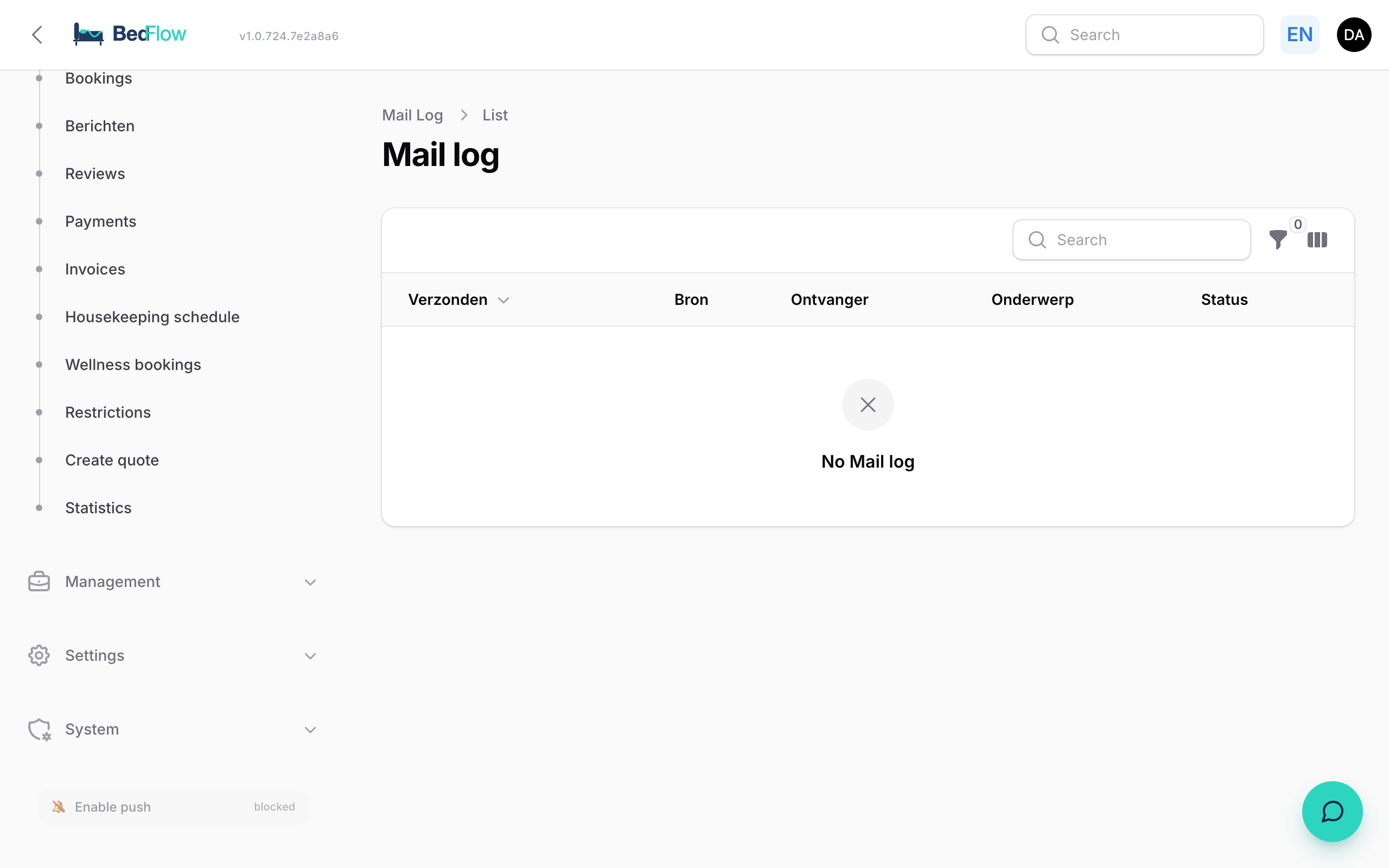
The Communication log is included in the Starter plan and higher. On Seizoen and Micro, the menu item is shown with an Upgrade badge. You only see the emails of the property you are working in.
What do you see for each email?
The tab shows the last 200 emails, most recent at the top.
| Item | Explanation |
|---|---|
| Date and time | When the email went out |
| Status | Sent, Failed, or blocked (stopped, e.g. a test address) |
| Template | Which template was used, e.g. booking-created |
| Language | The language the email was sent in (nl, en, fr, de) |
| Automation | The name of the automation that sent the email, if applicable |
| Subject | The subject line the guest saw |
| Recipient | The guest's email address and name |
| Booking #… | Link to the booking |
| Open full message | Opens the email in a new tab |
Click a line to expand it. You then see Preview — what the guest saw: the email exactly as it went out. BedFlow stores the content at the moment of sending, so even if you change the template later, you'll see the old text here. For a failed email, the error message appears in a red block.
A guest says they received nothing
- Open Management → Insights → Communication log, tab Email, and look up the guest.
- Status Sent? The email went out. Ask the guest to check their junk or promotions folder, and whether the address is correct.
- Status Failed? Expand the line and read the reason. "No email address for guest (only phone filled in)" means there was no email address on the booking.
- No line? Then nothing went out. Check on Automated messages whether the automation is active and whether it applies to this channel. Note: bookings via Booking.com, Airbnb and other channels don't get a confirmation from BedFlow at the time of booking by default, because the channel confirms them itself.
Was the address wrong? Correct it on the guest and resend the email (see below).
Resending an email
- Open the booking (e.g. via the Booking #… link in the log, or via Daily → Bookings).
- Choose Send email.
- Under Template, choose which automation you want to send.
- Check the address under To. You can change it here; the booking itself stays unchanged.
- Click Send now.
The email goes out immediately in the guest's language and then appears in the Communication log. BedFlow blocks a payment reminder for a booking that has already been paid: you then get a notification instead of an email.
A copy of every guest email for yourself
Would you like every guest email in your own mailbox as well? Enter a BCC address under Settings → My property, section Email (per-property override). See A copy of every guest email.
Frequently asked questions
Why do I only see 200 emails? The tab shows the last 200 emails of your property. If you're looking for an older email, please contact support.
Can the guest see this log? No. Only you and the users with access to guest communication can see the Communication log.
Where can I see the WhatsApp messages and Telegram notifications? In the same Communication log, on the WhatsApp and Telegram tabs. See Communication log.