Communication log
Updated on 2026-10-01
Management → Insights → Communication log
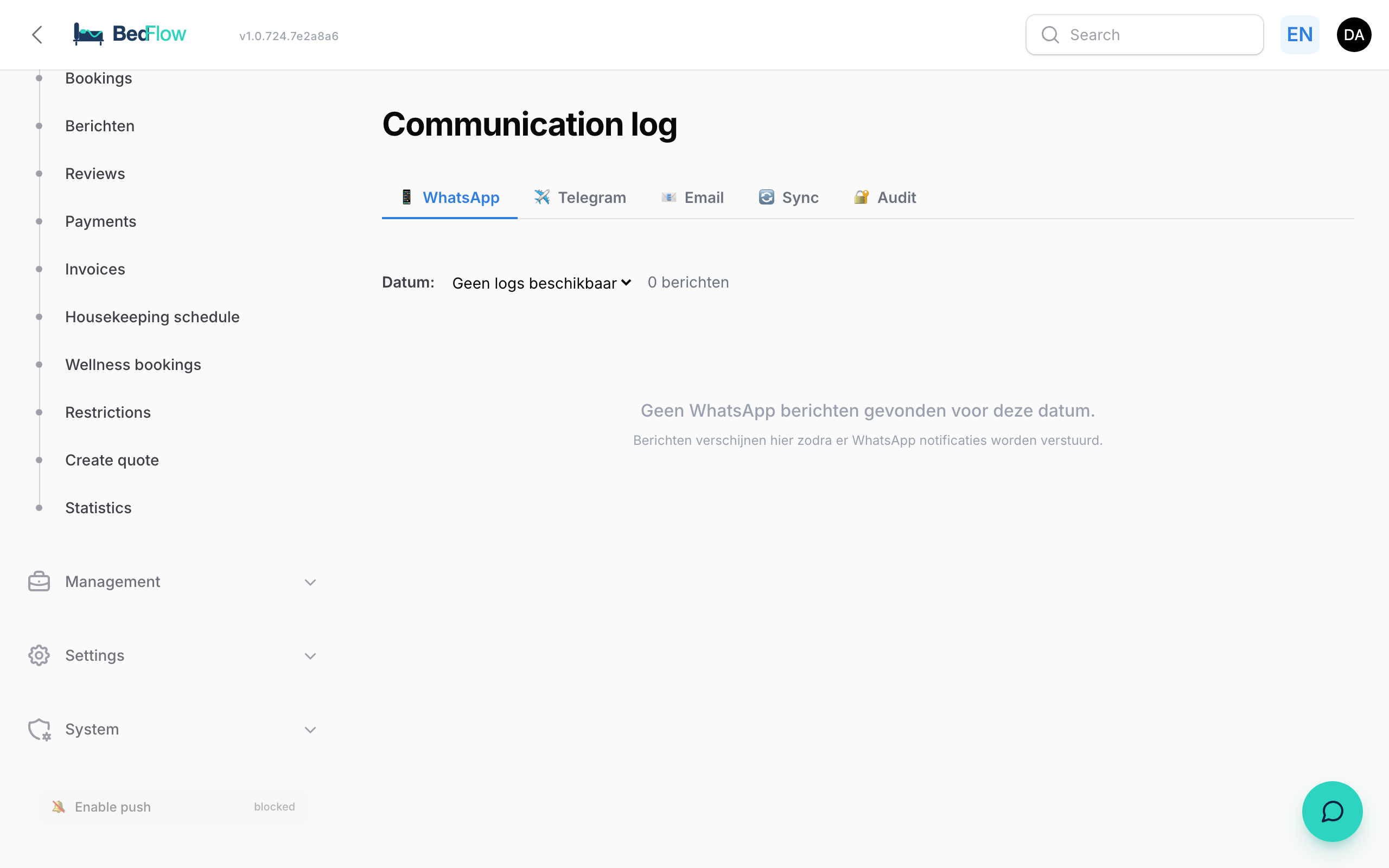
The Communication log shows what BedFlow sent on your behalf: emails and WhatsApp messages to your guests, Telegram notifications to you, and the availability that went to your channels. Handy for checking whether a message really went out, and what it said.
The Communication log is included in the Starter plan and higher. On Seizoen and Micro, the menu item is shown with an Upgrade badge. You need access to Guest communication (see Extra users and permissions). You only see the messages of your own property.
Four tabs
| Tab | What you see |
|---|---|
| The WhatsApp messages to your guests, per day | |
| Telegram | Telegram notifications about your property, per day |
| The last 200 emails to your guests | |
| Sync | The availability BedFlow sent to your channels, per day |
Next to each tab's name, the number of days (or for Email: the number of emails) is shown in brackets.
WhatsApp and Telegram
- Choose the day under Date at the top.
- For each message you see the time, the status, the guest, the phone number, the room and the text.
The status success means sent, error means failed. In case of an error, the reason is shown below it. If the guest's number has no WhatsApp, enter a different number at check-in (see WhatsApp via TextMeFlow).
For each email you see the time, the status (Sent or Failed), the template, the language, the automation that sent the email, the subject, the recipient and a link to the booking. Click a line to see the email exactly as the guest received it, or Open full message to open it in a new tab.
Everything about this tab, and what to do if a guest didn't receive an email: Finding sent emails.
Sync
Every time a booking, block or other change alters the availability, BedFlow sends it to your channel manager (Channex), which passes it on to Booking.com, Airbnb and your other channels. For each line you see:
- the time and a tick (succeeded) or cross (failed);
- the destination (Channex);
- the property, the room and the period (from … to …);
- the reason, for example a new booking;
- in case of an error: the error message.
At the top you see the count of successful and failed pushes for that day.
Frequently asked questions
A guest says they didn't get a WhatsApp message. Open the WhatsApp tab and choose the day. If there is a line with error, read the reason. If there is nothing, check whether your WhatsApp is connected and whether the guest has a mobile number.
I don't see my Telegram notifications here. Not every notification ends up in this tab. You'll find the full history in your Telegram channel itself. If you haven't set up a channel, no Telegram notifications go out. See Telegram notifications per property.
A room is still open on Booking.com although it has been booked. Check in Sync whether the push for that date succeeded. If you see an error, contact support and mention the date and the room.