Reviews from your channels
Updated on 2026-10-01
Daily → Reviews
This page lists the reviews your guests left on Booking.com, Airbnb, Expedia and your other channels. You read them in one place and reply straight away, without logging in to each extranet separately.
What do you need?
- A channel connected via BedFlow (see Channex).
- The Chat & Reviews add-on (€11.99 per month): switch on OTA guest messages under Settings → Integrations → Communication. Without this add-on, no reviews come in. See Guest messages.
- The Starter plan or higher and access to Guest communication.
The Reviews menu item appears as soon as WhatsApp or OTA guest messages is switched on, just like Messages.
Reviews on Google don't appear here. You reply to those in your Google Business Profile.
What do you see?
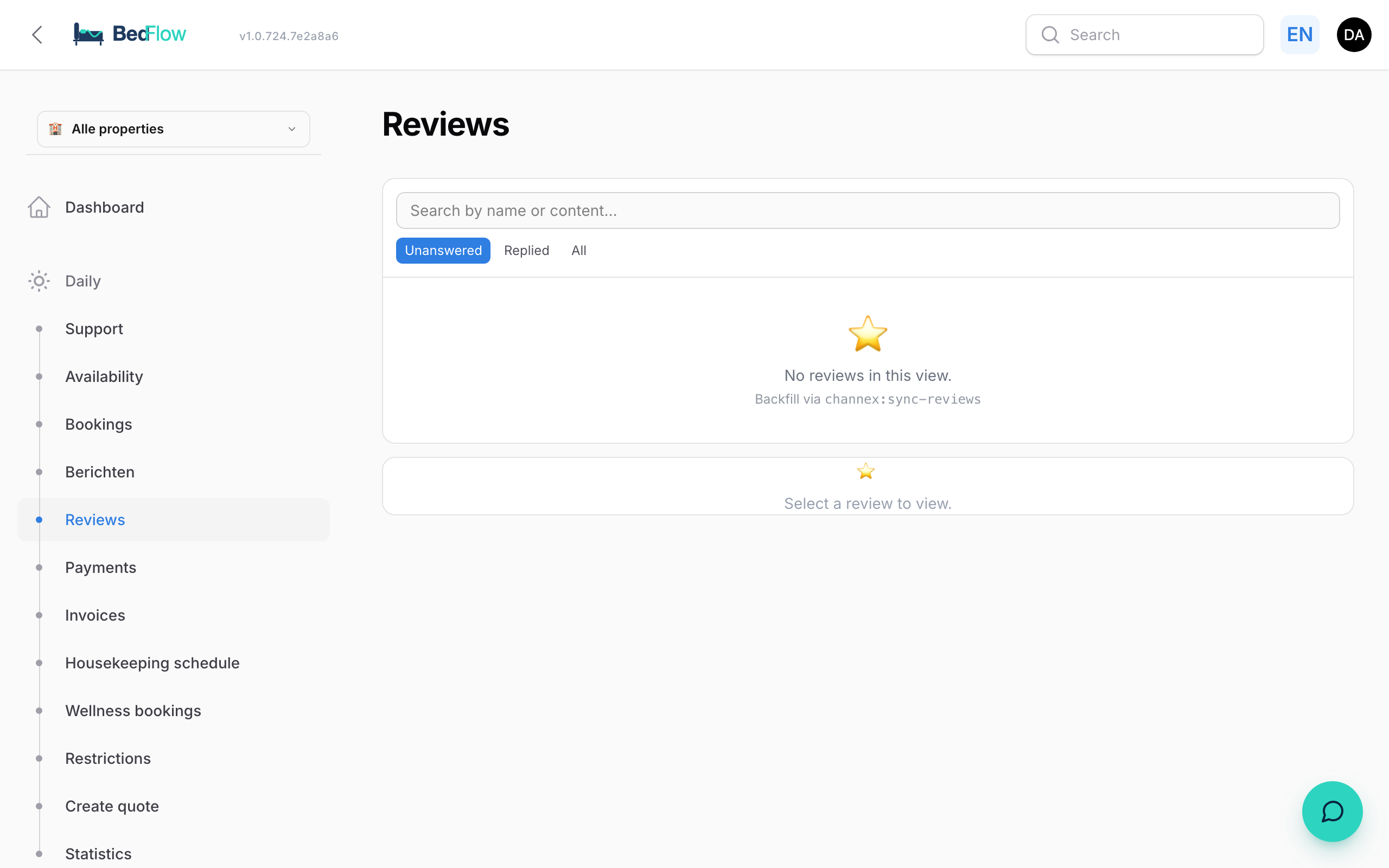
On the left is the list of reviews. For each review you see the guest's name (or Anonymous guest), the channel and the score out of 10: green from 8, yellow from 6, red below that. An orange dot means unanswered.
At the top you can filter on Unanswered, Replied or All, and search by name or content.
Click a review to open it on the right:
- the overall score and the Scores by category (if the channel provides them);
- the Public review: what everyone on the channel reads;
- the Private feedback: what the guest wrote for you only;
- when the review was received and until when you can reply (reply deadline).
Replying to a review
- Click the review.
- Write your reply in the Write a public reply… box. This reply is visible to future guests.
- Click Send reply, or press Cmd/Ctrl + Enter.
Your reply goes to the channel and then appears under Your reply.
Closing without a reply
Not every review calls for a public reply, and some can no longer be answered: each channel has a reply window. In that case, click Close without reply.
- The review disappears from Unanswered and from the counter in the menu.
- You'll find it again under All, with the label Closed.
- Reopen puts it back.
If the reply window has expired, BedFlow tells you straight away ("The … reply window has expired") and you only see the button to close it. After closing, the screen jumps to the next open review. That way you can clear a pile quickly.
Asking guests for a review
Would you like guests to leave a review after their stay, for example on Google? Automatically send them the Review Request email, with a button and a QR code leading to your review page.
- Enter your review link at the top of Management → Messages → Message templates, in the Review link (e.g. Google) field, and click Save link.
- Under Management → Messages → Automated messages, create an automation with the trigger X days after departure and the template Review Request.
More details in Message templates — Review request after the stay.
Frequently asked questions
How quickly does a new review come in? Usually immediately after it's published on the channel. In addition, every night BedFlow fetches anything that may have been missed.
My review isn't listed. Check whether OTA guest messages is switched on and whether the channel is connected via BedFlow. Reviews on Google aren't listed here.
Can I filter by score? No. You filter on Unanswered, Replied or All and search by name or content. The colour of the score shows you the low scores at a glance.