Blocking rooms — closing a day or period
Updated on 2026-10-01
Blocking a room means it can't be booked that night, anywhere. Not on your own booking site and not on Booking.com or the other channels. Handy for holidays, maintenance or your own use. You do it under Daily → Availability (the room overview).
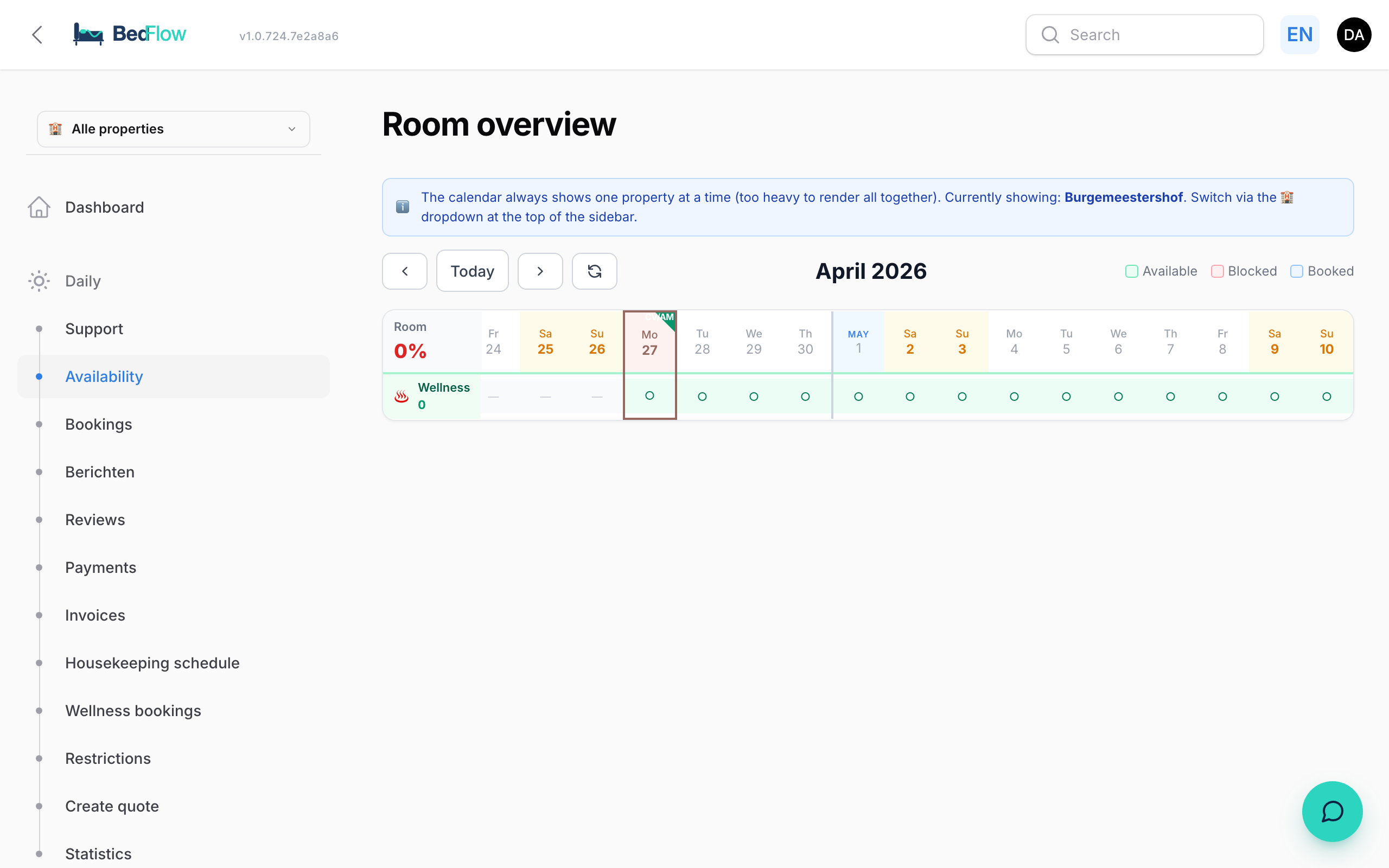
One room, one day
- Click a free (light green) day for a room. It's blocked immediately (light red with a cross), without confirmation.
- Click the blocked day again to release it.
- Or right-click the day and choose Block this day or Unblock this day.
This works in the timeline and in the month view.
All rooms, one day or a period
For a closing day or your annual holiday, you don't need to click each room separately:
- In the timeline, right-click the date at the top (the date header).
- Choose:
- Block this day: all free rooms on that day;
- or Block range from this day…: under Until and including: choose the last day and click Confirm block.
- You'll get a message such as "3 days blocked" with how many room-days were changed, how many were skipped because they were already booked and how many were already blocked.
A day that's already booked simply stays as it is: blocking only affects free days.
Releasing works per room and per day (click or right-click → Unblock this day). Releasing an entire period in one go isn't possible.
Your channels follow automatically
Every block goes to your connected channels in the background. Within a few seconds to minutes, the room can't be booked there either. You don't need to wait and can simply carry on working.
If the room is part of a combined unit, the combination closes too.
Blocking or a restriction?
| You want to… | Use |
|---|---|
| Not rent out a room at all on certain days | Blocking (this article) |
| Stop selling a room on one channel, but keep selling it on your own site | Stop sell on that channel, see Restrictions |
| No arrivals or departures on a day, or a minimum stay | Restrictions |
Frequently asked questions
I accidentally clicked a day and now it's red. Click it again: the day is free again.
Can a guest I book in myself still book on a blocked day? Yes. With a manual booking you see that the room is "occupied/blocked", but you can still choose it deliberately.